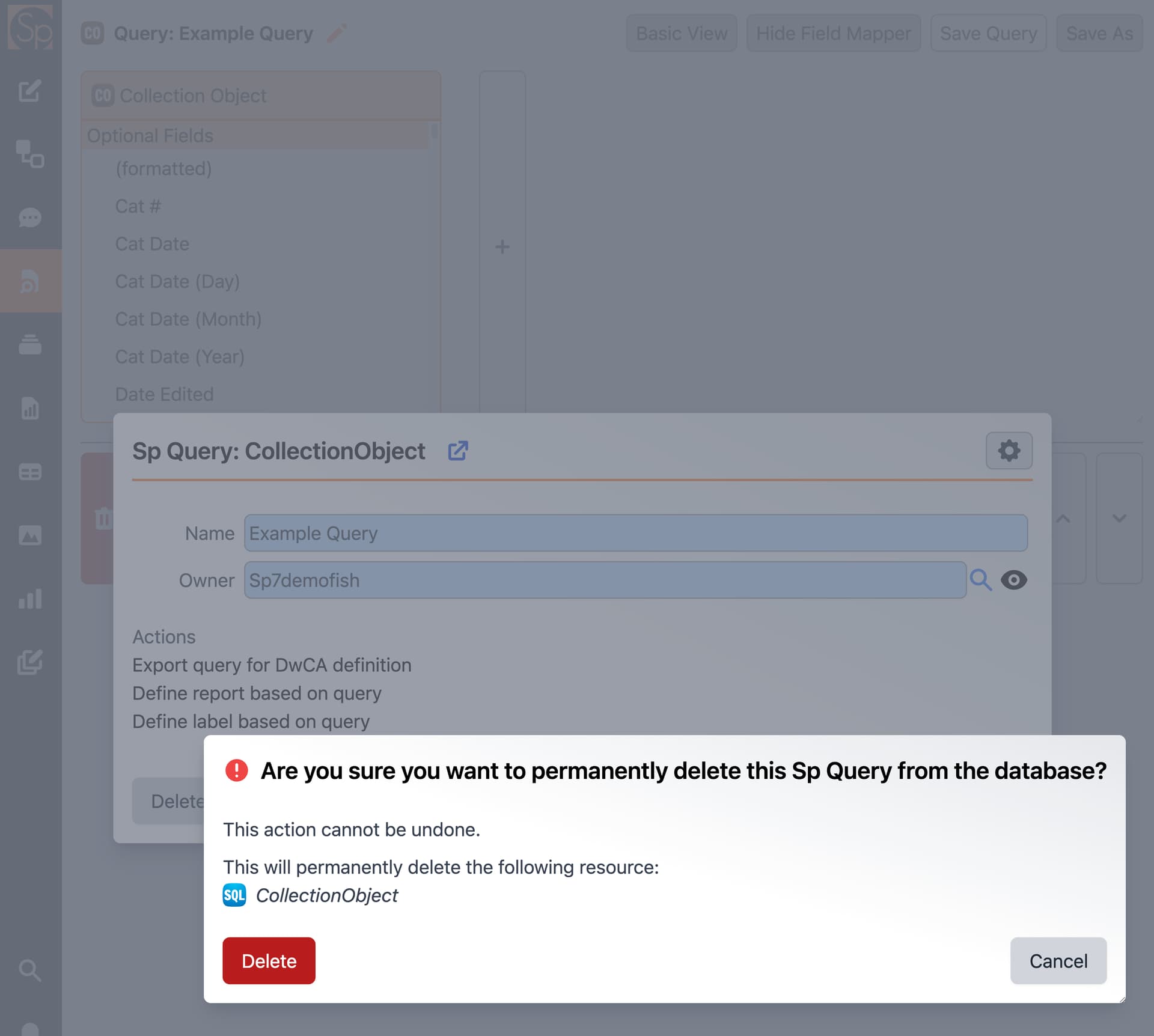
Apologies if I missed this in the video portions of the documentation, but I’m having an issue with deleting queries. When I use 'Edit Query’ > ‘Delete,’ this message is returned: “Are you sure you want to permanently delete this Sp Query from the database? This action cannot be undone. This will permanently delete the following resource: SQL CollectionObject”
I am pretty sure I don’t want to delete CollectionObject, but I’m not sure how to get around that problem. Unfortunately, I amassed several rather useless queries while figuring out the Query Builder.