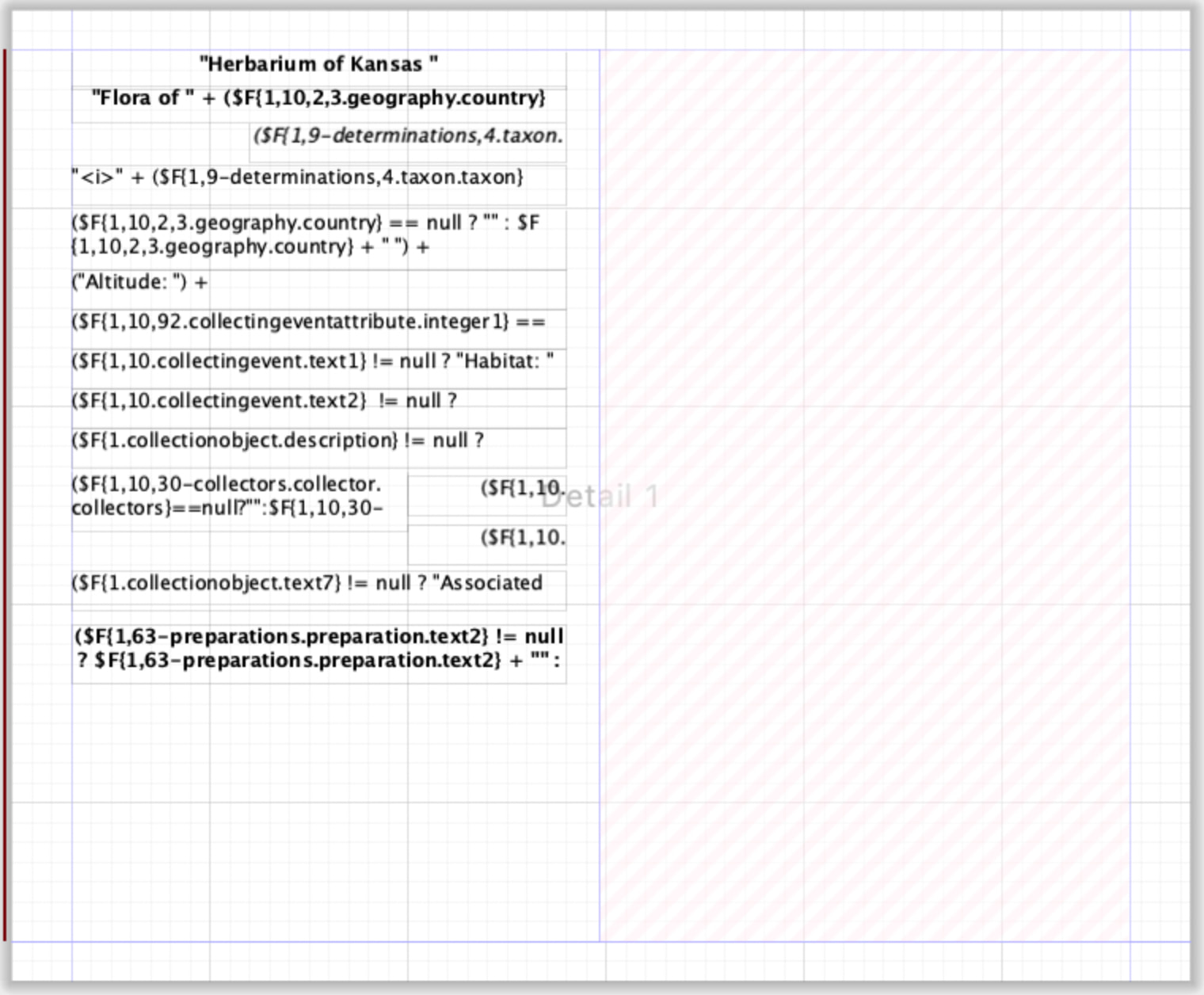
Hi Specify Team, I was wondering how to set it up, when you want to have e.g. multiple labels on one page, I have a request from a collection who wants a template with 21 labels on one page, is this possbile, if yes, how ? maybe you can add a short description to this article…
You can absolutely add columns to your report definition that essentially provide an additional ‘detail’ band (think one ‘detail’ band per query result) so you can create multiple labels on a single row. If the height of the ‘detail’ band is short enough that Specify can print more than one on a single page, it will be repeated.
Using a multi-column structure like this with short rows makes it definitely possible to print 21 labels on a page if they are small enough! You only define the contents of the ‘detail’ band once.
This can be configured in the Page Format options for the label: