I have several copies of the same fungus (live culture). They are stored in different freezers. How should I prepare the file so that I can import it via the workbench?
I tried something like that, but it doesn’t seem to work.
V7.10.2

I have several copies of the same fungus (live culture). They are stored in different freezers. How should I prepare the file so that I can import it via the workbench?
I tried something like that, but it doesn’t seem to work.
V7.10.2
Do you intend to have this culture represented by a single CollectionObject record? The way you set it up is how I would do it, assuming you are properly mapping prep type1 to a storage location called 45 and prep type2 to storage location called 58.
What happens when you try to upload? A validation error?
Yes represented by a single CollectionObject record.
I don’t have any validation or upload error, but the data are just not uploaded.
I did a test upload of data in your format and it worked, with a mapping that looked like this:
I think there’s something else going on that isn’t to do with including storage location. What happens after you hit upload? Does the window pop up and say “dataset uploaded with no errors?” or does validation just keep “loading” until you cancel it?
Are other workbench uploads working for you? If not, your Specify Worker may be down and may need to be restarted.
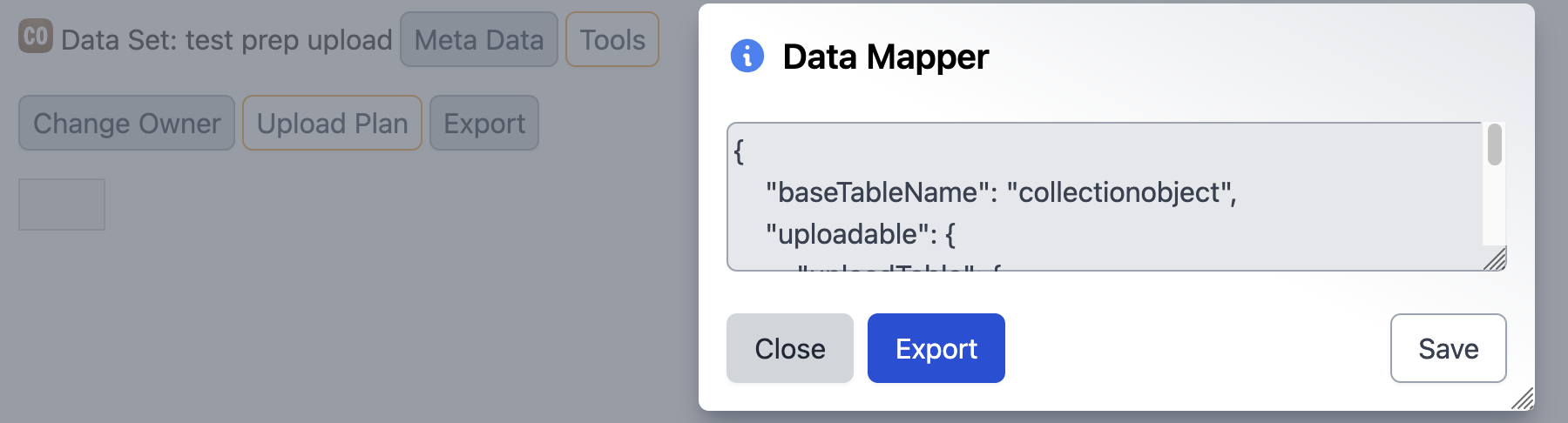
Edit: can you upload a copy of the data you’re trying to upload and the mapping? That will help get to the bottom of it. You can export the WB upload plan mapping by clicking Tools->Upload Plan->Export
Thank you for your response!
I found out my storage tree wasn’t correctly configured. It works now!
Great! Glad I could help! Can you mark the above comment as the ‘solution’ so this thread gets closed? 
This topic was automatically closed 7 days after the last reply. New replies are no longer allowed.