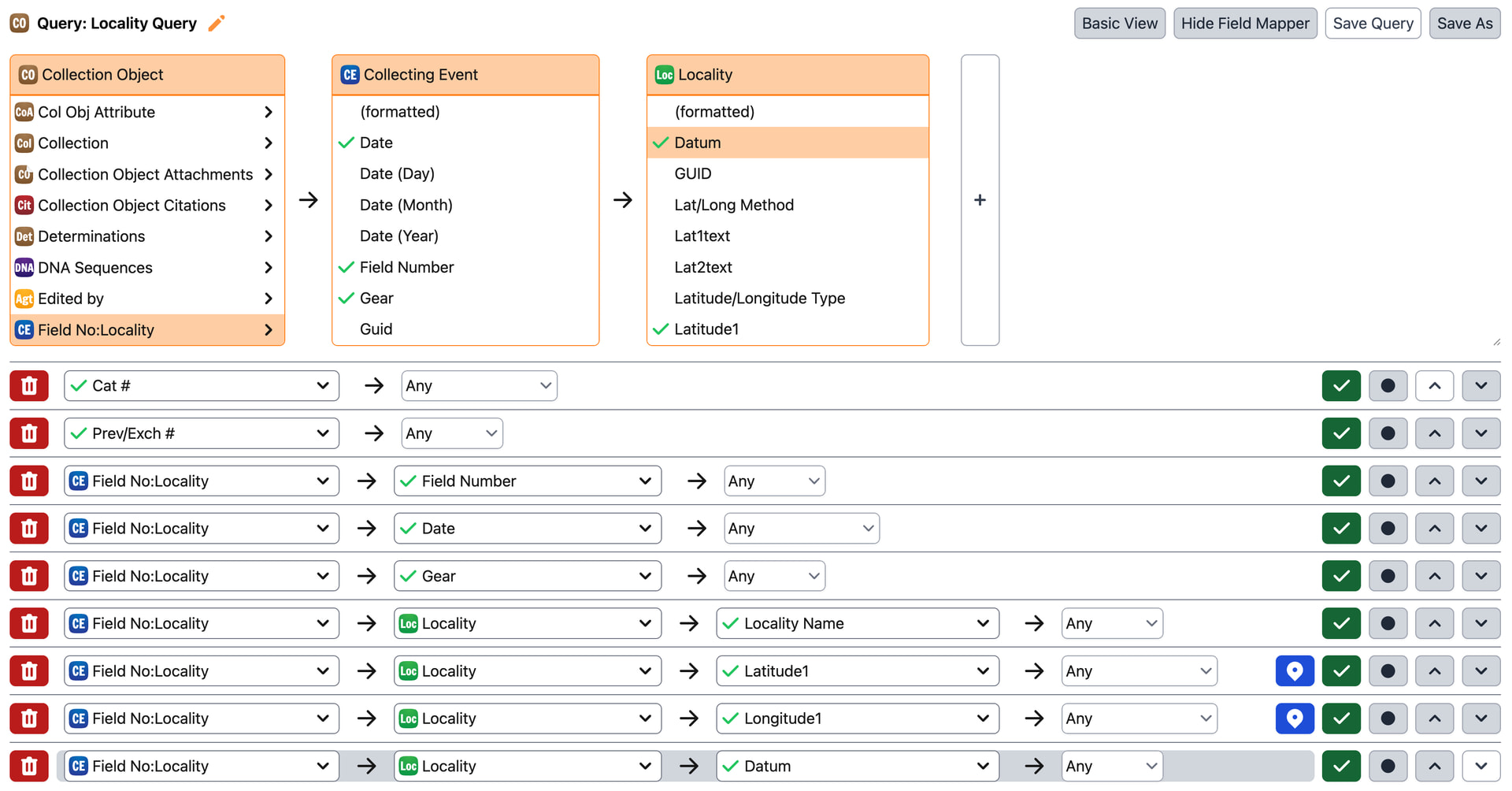
For specifically dealing with localities in Batch Edit mode, I find I am unable to edit. When I mouse over the localities, it is noted as being an “unmapped” column. I’m not sure if this is an issue with permissions on my end or something I can change within the query settings, but I would appreciate any pointers. Thank you!
When you Batch Edit a query that contains Locality information, all of the fields should display as editable except for the ‘Lat1text’ and ‘Long1text’ fields, which are rendered as read-only for editing purposes as you are expected to edit the ‘Latitude1’ and ‘Longitude1’ fields instead.
The reason you can only edit the Latitude1 and Longitude1 fields is that Specify automatically converts the value present in those fields to decimal degrees while preserving the original input (and the original precision) as text.
Thank you again for all of your help. I ended up finding out that I had not been using the Specific Locality query and instead was trying to edit an unmapped query. Thank you so much!!
 Thank you!