This guide defines what the
Linked Records button is, why it’s important, and how to use it.
The Linked Records button in Specify helps you quickly see all records associated with the specific record you are currently viewing. This is especially useful for understanding relationships in your collection and for exploring how data is connected throughout your database.
What does “Linked Records” do?
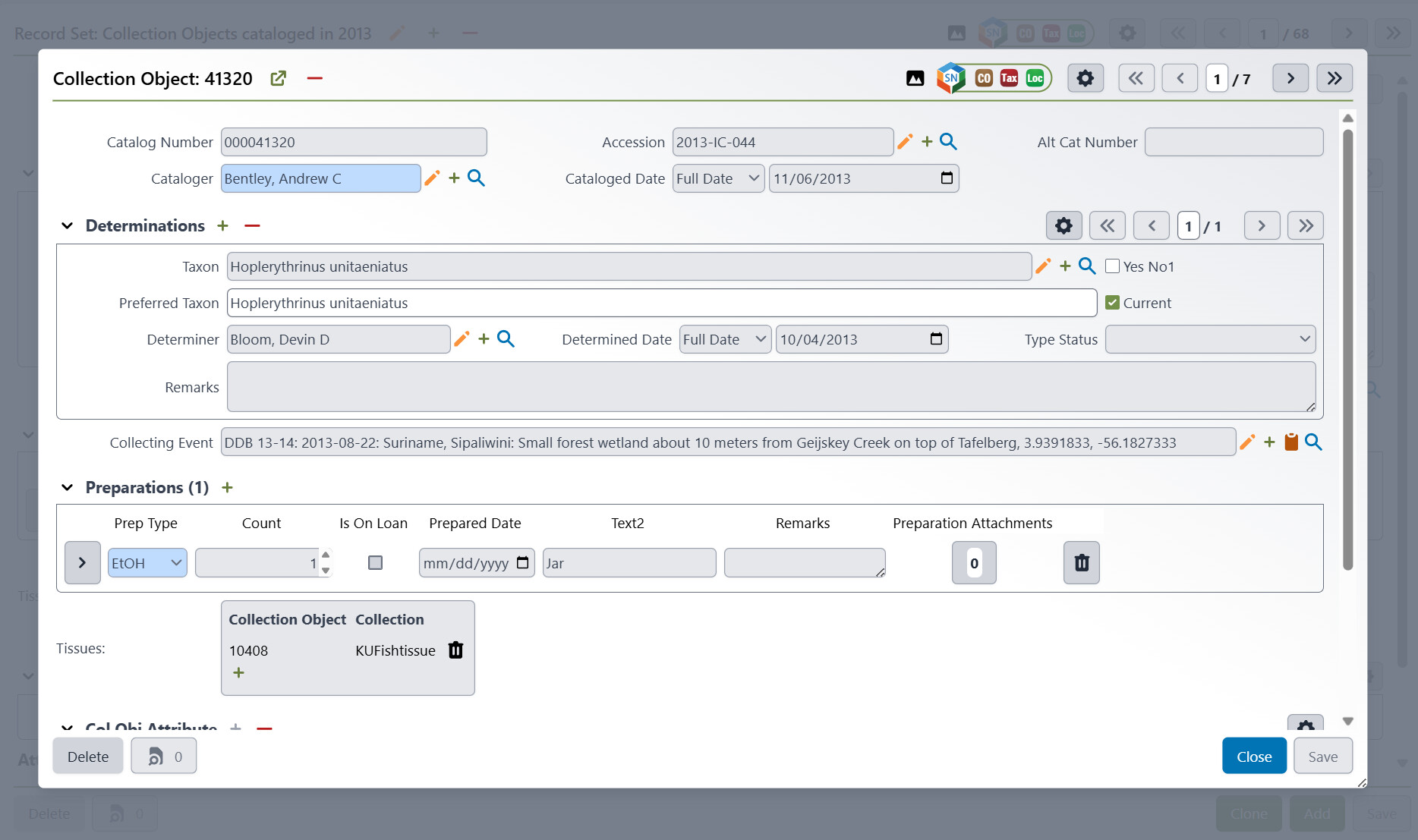
When you are viewing any record (such as a specimen, event, collection object, etc.), you will see a Linked Records button in the bottom left of the record. Clicking this button opens a window that lists every record that is linked or associated with the one you’re looking at. These associations might include related specimens, collection events, determinations, loans, or other entities that reference the current record.

Why use “Linked Records”?
- Discover Relationships:
Instantly see how the current record is connected to other records. - Avoid Mistakes:
Before editing or deleting a record, check if it’s used elsewhere to prevent unwanted changes or data loss. - Navigate Easily:
Jump straight to any associated record for further review or editing.
How to use “Linked Records”
- Open any record:
Navigate to the details page for the record you’re interested in. - Click the Linked Records button:
Find and click the Linked Records button (usually at the top or in the sidebar). - View associated records:
A list of all records linked to the current record will appear, showing:- Type of associated record (e.g., Specimen, Event, Loan)
- Name or identifier
- How it is associated
- Links to view or edit each record
- Explore further:
Click the links to view any associated record in a dialog, or close the window to return to your original record.


Examples
-
Suppose you are viewing a specimen record. If you click Linked Records, you may see a list of collection events, determinations, or loans that reference this specimen. This allows you to easily understand the specimen’s context and connections in your collection data.
-
Consider cases where you want to edit a Locality, but are no sure how many Collecting Event records will be impacted by the change. You can click on the Linked Records button and immediately see which records will be impacted.
You can then see the records linked to the associated Collecting Event, most often Collection Object(s).


Tips
- If you don’t see any usages, it means the record isn’t currently associated with other records.
- If the Linked Records button doesn’t appear, you may not have permission to view associations for this record. Contact your Specify administrator if you have questions.