7.11.1
Is there a way to change the name of a table in the schema so that it appears by that name in all dialog menus/form views/the query builder?
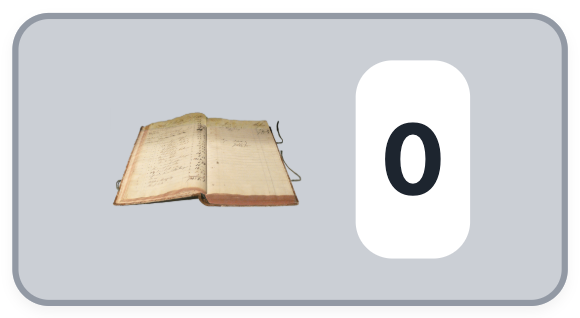
Furthermore, can you change the default icon of a table for things like buttons?
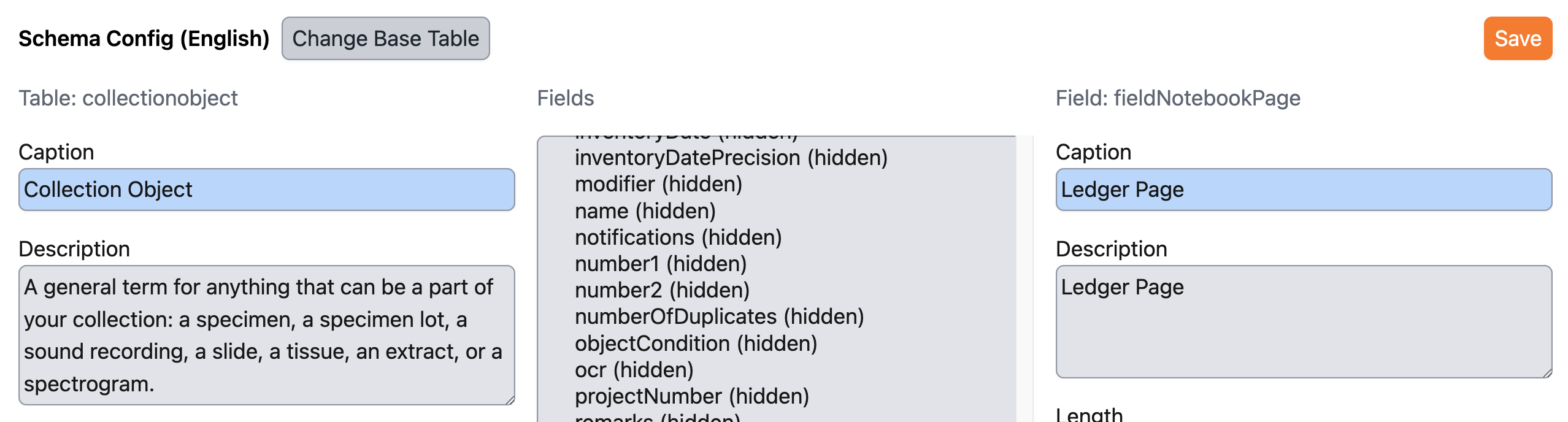
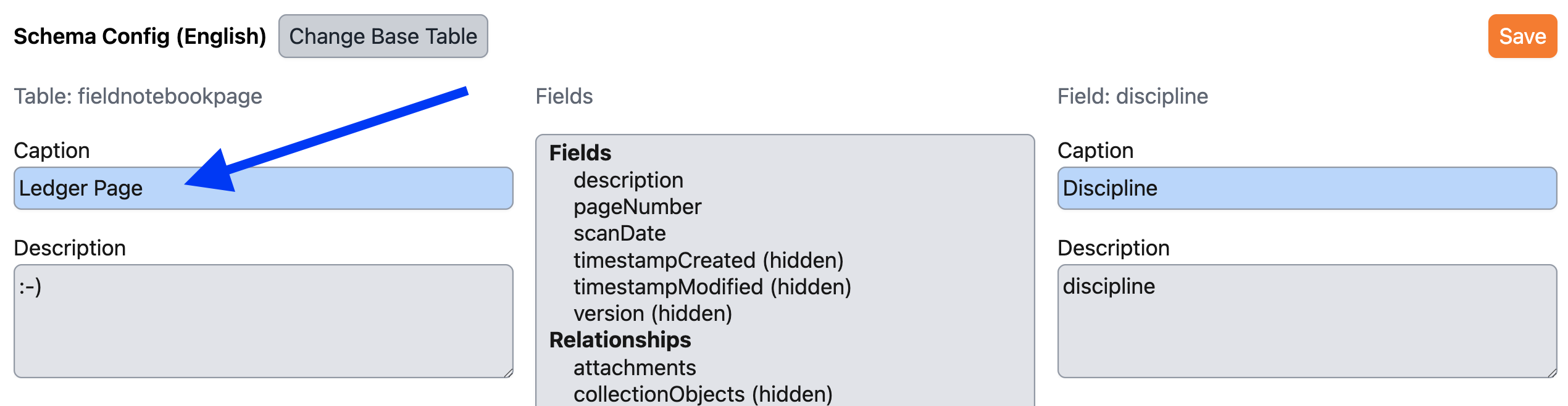
When I change the name of the table FieldNotebookPage in Schema Config to "Ledger Page", the name visibly changes only in certain places in the DB and only under certain conditions. The mouseover text for the button linking to the table form displays the database name, not the localized name. Adding a record changes the title of the table/dialog window to the localized name "Ledger Page" before record is saved. After record is saved, the form returns to the database default name, ignoring the localized name. The table name in the Query Builder and most all dialog window lists of tables remains the default Schema name.


Background:
When we were importing our collection’s data into Sp7 initially, we imported scans of our original catalog ledgers as CollectionObjectAttachments. I’ve decided that I want to move these attachment records to the Field Notebook Page and Field Notebook Page Attachment tables, as these tables have the correct relationship between COs that share entries on a ledger page (this avoids this error and also keeps images of the specimens themselves separate from ledger images in dwc exports, which is desirable).
It is very important to me that these records not display in the database as “Field Notebooks”, because they are not field notes, and I want to avoid any possibility that anyone could mistake them as being field notes. I know localizing table names can get confusing, but in this instance, it is essential for storing separate kinds of attachments related to our COs, specimen images that require a many-to-one relationship images–>CO, and Ledger Page Attachments that require a one-to-many relationship from CO to Ledger Page